Connecting AI to Gmail and Outlook: What a Safe Setup Requires
A mailbox connection should grant the smallest useful access, keep credentials server-side, and make every action attributable.
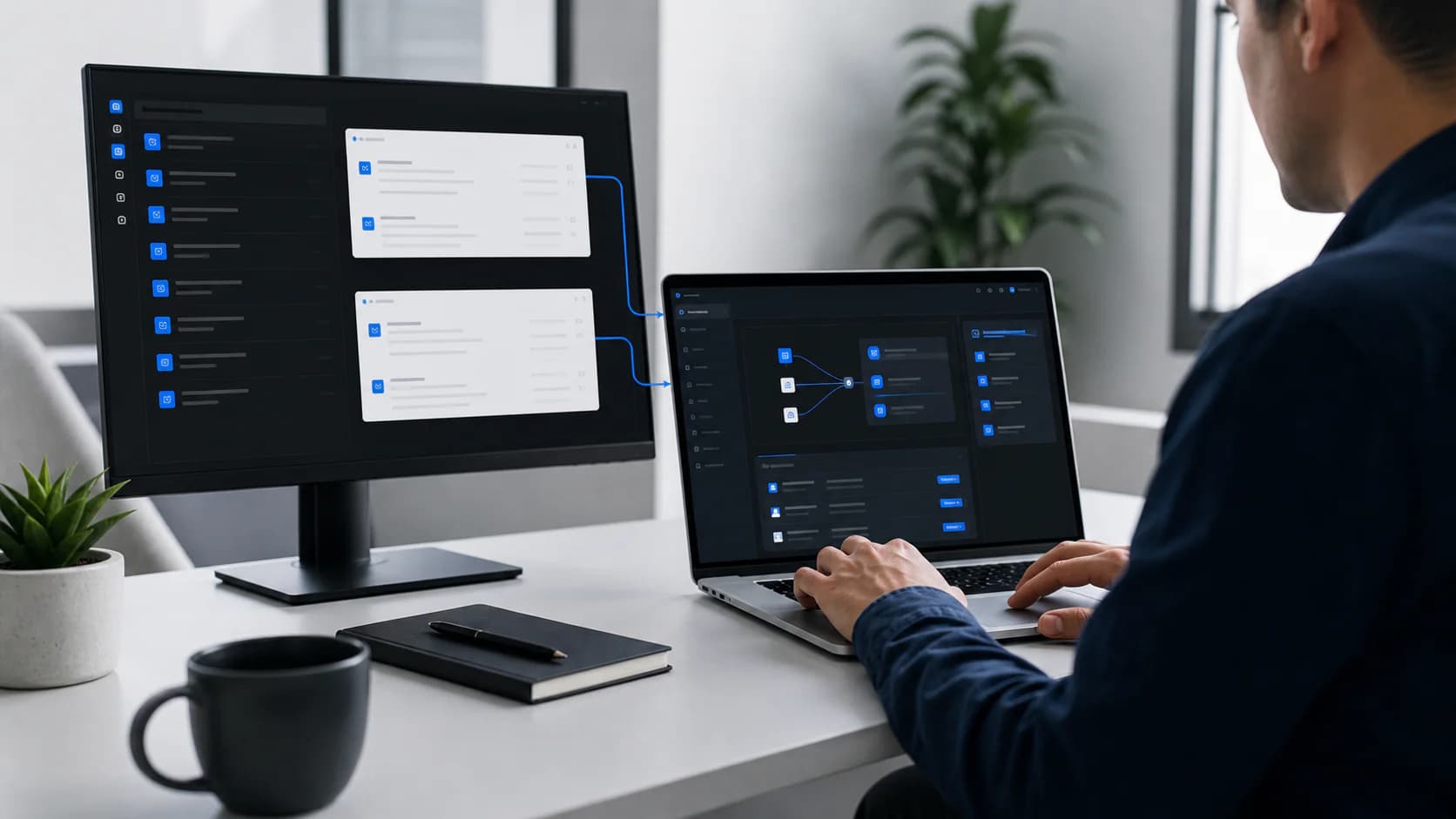
Connecting an AI employee to Gmail or Outlook is not the same as pasting email into a chat window. The connection creates an operational relationship with a real mailbox, so identity, permissions, storage, scope, and failure handling all matter.
A safe setup should be understandable to the company administrator and limited to the work the employee actually performs.
Use OAuth instead of collecting passwords
OAuth lets the mailbox provider authenticate the user and issue scoped tokens to the application. The application does not need the person's mailbox password.
The basic flow is:
- The user chooses Google or Microsoft.
- The provider shows the requested permissions.
- The user or administrator grants access.
- The provider returns an authorization code to the application's registered callback URL.
- The server exchanges that code for tokens and stores them securely.
- The application uses those tokens only for the approved mailbox workflow.
Redirect URLs must match the provider configuration exactly. Tokens belong on the server, not in browser storage or page source.
Ask for the smallest useful permission set
The exact names differ between Google and Microsoft, but the operating principle is the same.
| Capability | When it is needed | Boundary to keep |
|---|---|---|
| Read eligible messages | Triage, drafting, reply detection | Limit processing to the connected mailbox and defined scope |
| Create drafts | Inbox preparation | Prefer drafts over automatic sending at the start |
| Send email | Approved outreach or explicitly enabled automation | Require clear user intent and preserve the sent record |
| Read calendar availability | Appointment coordination | Read availability, not unrelated event content where avoidable |
| Create calendar events | Confirmed meeting booking | Create only after the conversation reaches an agreed meeting state |
| Offline access | Background processing after the user leaves | Encrypt refresh tokens and support revocation |
Do not request a broad permission simply because it may be convenient later. Add capability when a real workflow requires it.
Bind every connection to the correct company and employee
Multi-company systems need strict ownership checks. A valid token is not enough. Every background job should confirm that:
- The connection belongs to the same organization as the job.
- The AI employee is assigned to that connection.
- The mailbox address matches the intended role.
- The requested action is inside the employee's enabled capabilities.
- The subscription and allowance permit the work.
These checks prevent a configuration mistake from becoming cross-company access.
Authentication proves who connected. Authorization decides what this employee may do now.
Design for token expiry and revocation
Connections will occasionally fail because a password changed, an administrator revoked consent, a token expired, or the provider applied a security policy. Treat that as an expected operational state.
| Failure | User-facing response | System response |
|---|---|---|
| Access token expired | Usually no interruption | Refresh securely with the refresh token |
| Consent revoked | Show reconnection required | Stop mailbox jobs and notify the workspace |
| Permission changed | Explain the missing capability | Avoid retry loops that cannot succeed |
| Mailbox removed | Mark connection unavailable | Preserve prior activity without processing new work |
| Provider outage | Show temporary delay | Retry with bounded backoff and record the failure |
A dashboard should show connection health and the last successful check. Silent failure is particularly damaging because users assume the employee is still working.
Keep sending separate from drafting
Reading, drafting, and sending are different levels of authority. A company may be comfortable with the first two and still require a person to send every reply.
Start with:
- Read only eligible direct correspondence.
- Prepare a draft in the connected workflow.
- Require human review.
- Record the final outcome.
Add approved sending only for carefully bounded cases. For sales outreach, preserve suppression and opt-out rules. For support and customer email, keep legal, financial, security, and account-change topics on explicit human paths.
A connection checklist
| Check | Complete when |
|---|---|
| Provider application | Production client ID, secret, and verified callback URLs are configured |
| Consent screen | Company identity, privacy policy, and requested scopes are clear |
| Token storage | Secrets are encrypted and never returned to the browser |
| Ownership | Organization, employee, and mailbox are checked on every job |
| Revocation | A user can disconnect and processing stops |
| Monitoring | Failures create a useful notification rather than an endless spinner |
| Audit trail | Reads, drafts, sends, and errors are attributable |
Steadframe connects the Inbox Coordinator and Lead Follow-Up employee to Google and Microsoft workflows through provider authorization. The connection is only the foundation; the real product is the governed job that runs on top of it.