AI Email Triage: A Practical Guide for Professionals
Discover how AI email triage can streamline your inbox. Automatically prioritize messages, reduce clutter, and focus on what matters.

AI email triage automatically classifies and prioritizes your incoming messages so you spend time on what actually needs your attention, not on sorting through clutter. The core concept is straightforward: an AI layer reads each incoming email, assigns it to a category, and surfaces the right messages at the right time. Most production systems use four buckets:
- Urgent: Needs your response within hours
- Action: Requires follow-up but not immediately
- FYI: Worth reading, no reply needed
- Noise: Newsletters, automated alerts, and low-value messages
Using this four-bucket framework can reduce follow-up loops by up to 48%. The tools that make this work range from open-source projects to Microsoft Power Automate flows and purpose-built AI agents.
How AI email triage systems actually work

The architecture behind automated email prioritization is more layered than most people expect. A well-built pipeline does not send every message straight to a large language model. That would be slow and expensive.
Instead, effective systems use a cascading approach:
- Lightweight filters first: Regex rules, hash deduplication, and sender-based routing remove obvious noise before any heavy processing begins
- LLM classification second: Only ambiguous or high-stakes messages reach the compute-intensive model for nuanced analysis
- Output routing: Classified emails are tagged, moved, or queued for draft generation based on category
| Layer | Technology | Purpose |
|---|---|---|
| Pre-filter | Regex, deduplication | Remove spam and duplicates fast |
| Classification | Custom NLP or LLM | Assign Urgent, Action, FYI, or Noise |
| Personalization | Private knowledge base | Match tone, terminology, and context |
| Security | OAuth 2.0 authentication | Protect credentials and data access |
Training on private company data - past sent emails, internal acronyms, and tone preferences - is what separates a genuinely useful classifier from a generic one. Security matters just as much: look for OAuth 2.0 authentication, explicit data policies, and approval boundaries that prevent the AI from sending anything without your sign-off.

What tools are available for AI email sorting today?
Three categories of tools cover most professional use cases, and they solve different problems.
Open-source foundations
Open-source projects give technical teams a fast, explainable, and cost-efficient layered pipeline they can customize without vendor lock-in. This can be the right starting point if your team has engineering resources and wants full control over classification logic.
Automation platforms
Microsoft's Power Automate tutorial walks you through building an EmailTriage flow that receives an incoming message, runs it through a custom text classification model, and routes it to the right Microsoft Teams channel.
Commercial AI agents
Purpose-built agents support multi-agent workflows where triage, drafting, and routing happen in sequence. These are built for teams that want results without building infrastructure.
Add-on utilities vs. full AI clients
Add-on tools sit on top of Gmail or Outlook and add specific capabilities: AI sorting, bulk cleanup, or keyboard-driven speed. Full AI-powered email clients integrate triage, drafting, and scheduling in one interface. Microsoft Copilot in Outlook supports smart sorting, custom folder creation, email tagging, and draft generation, with human editing required before anything sends.
How to set up AI email triage effectively
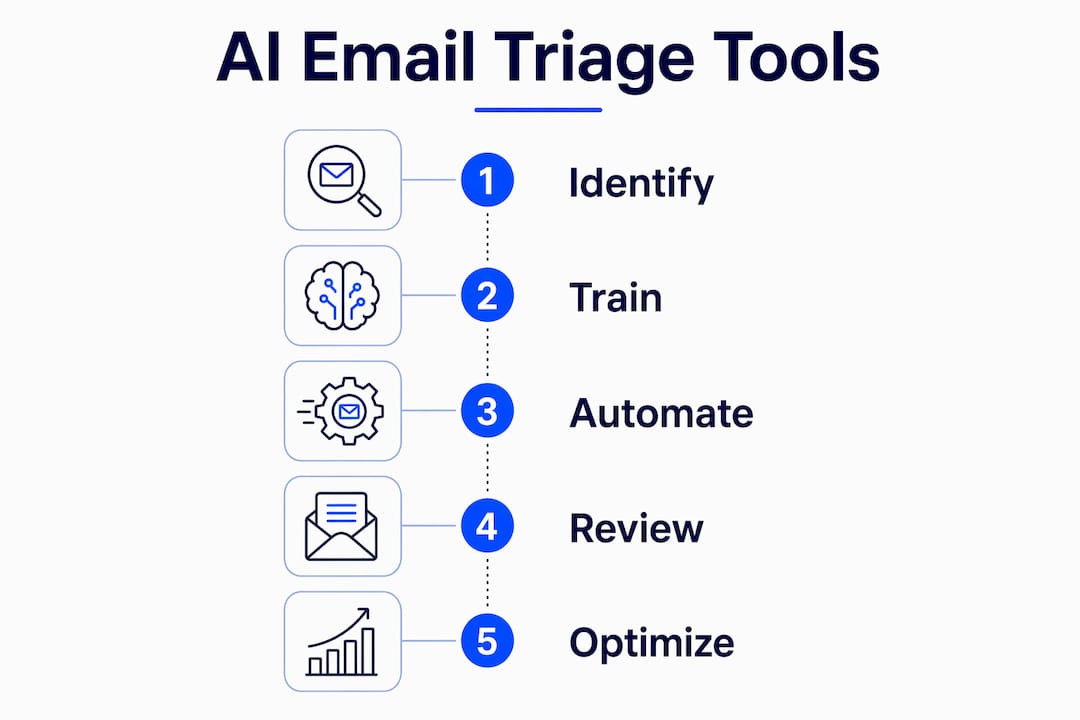
Getting this right takes more than flipping a switch. Follow these steps to deploy a system that actually holds up.
- Define your core problem first. Are you drowning in newsletters? Missing customer replies? Choosing the right email management tool depends entirely on the specific pain point, not on which product has the longest feature list.
- Map your classification needs. Decide which buckets matter for your workflow. A sales team may need "Hot Lead" and "Renewal Risk" instead of generic labels.
- Train on your own data. Feed the system past sent emails, your preferred tone, and company-specific terminology. Generic models classify generically.
- Connect with OAuth 2.0. Never use a tool that stores credentials insecurely or trains public models on your private email data.
- Set approval boundaries. Configure draft-only mode so the AI writes replies but you send them. No full send-as permissions.
- Run a two-week parallel test. Let the AI classify while you manually review every decision. Correct misclassifications to improve the model before going live.
Pro Tip: Start with your highest-volume, lowest-stakes category first - newsletters and automated alerts. Getting "Noise" right immediately frees up attention and builds confidence in the system before you trust it with Urgent messages.
Expert advice: pitfalls to avoid when adopting AI triage
The most common failure is picking a generic tool and expecting it to solve a specific problem. Matching the tool category to the use case is the single biggest predictor of success or dissatisfaction.
Common pitfalls:
- Choosing a bulk-cleanup tool when the real problem is missed customer replies
- Granting full send-as permissions before the model has proven its accuracy
- Skipping private-data training and wondering why classification feels off
- Ignoring the privacy policy and discovering the vendor trains on your emails
- Treating the initial setup as final rather than iterating based on real performance
Success factors:
- Clear problem definition before tool selection
- Custom model training on organization-specific data for accuracy beyond generic chatbots
- Human-in-the-loop approval for all outgoing drafts
- Transparent OAuth-based authentication with no credential storage
- Regular review cycles to retrain on new patterns
Pro Tip: Schedule a monthly 30-minute review of misclassified emails. Even a small correction batch each month compounds into dramatically better accuracy over a quarter.
Real-world impact: what AI triage looks like in practice
A professional services firm handling high volumes of client inquiries can use an Inbox Coordinator AI employee to route urgent client requests to the right team member within minutes, while FYI messages queue for end-of-day review. The result is faster response times without adding headcount.
For ecommerce operations, automated email prioritization means order issues and shipping complaints surface immediately, while promotional replies and vendor newsletters wait. Teams stop missing the messages that cost them customers.
The human-in-the-loop requirement is the detail that makes these deployments sustainable. AI drafts the reply; a person approves it. That boundary keeps communication professional and gives teams confidence to expand automation over time.
Key Takeaways
AI email triage works best when the tool matches the specific business problem, the model trains on private company data, and humans retain approval control over outgoing messages.
| Point | Details |
|---|---|
| Four-bucket classification | Urgent, Action, FYI, and Noise provide a clear framework for reducing follow-up loops. |
| Cascading architecture | Lightweight filters handle noise first; LLMs process only ambiguous or high-priority messages. |
| Private data training | Training on your own emails, tone, and terminology produces more accurate classification than generic models. |
| Human approval required | Draft-only mode prevents errors and keeps outgoing communication professional and controlled. |
| Match tool to problem | Choosing the wrong tool category causes poor outcomes regardless of the tool's feature set. |
Steadframe's AI email and inbox operations give your team a trained, private AI employee that classifies, drafts, and routes messages inside your existing Gmail or Outlook setup. No generic chatbot. No public model training on your data. Just a reliable colleague that knows your business.
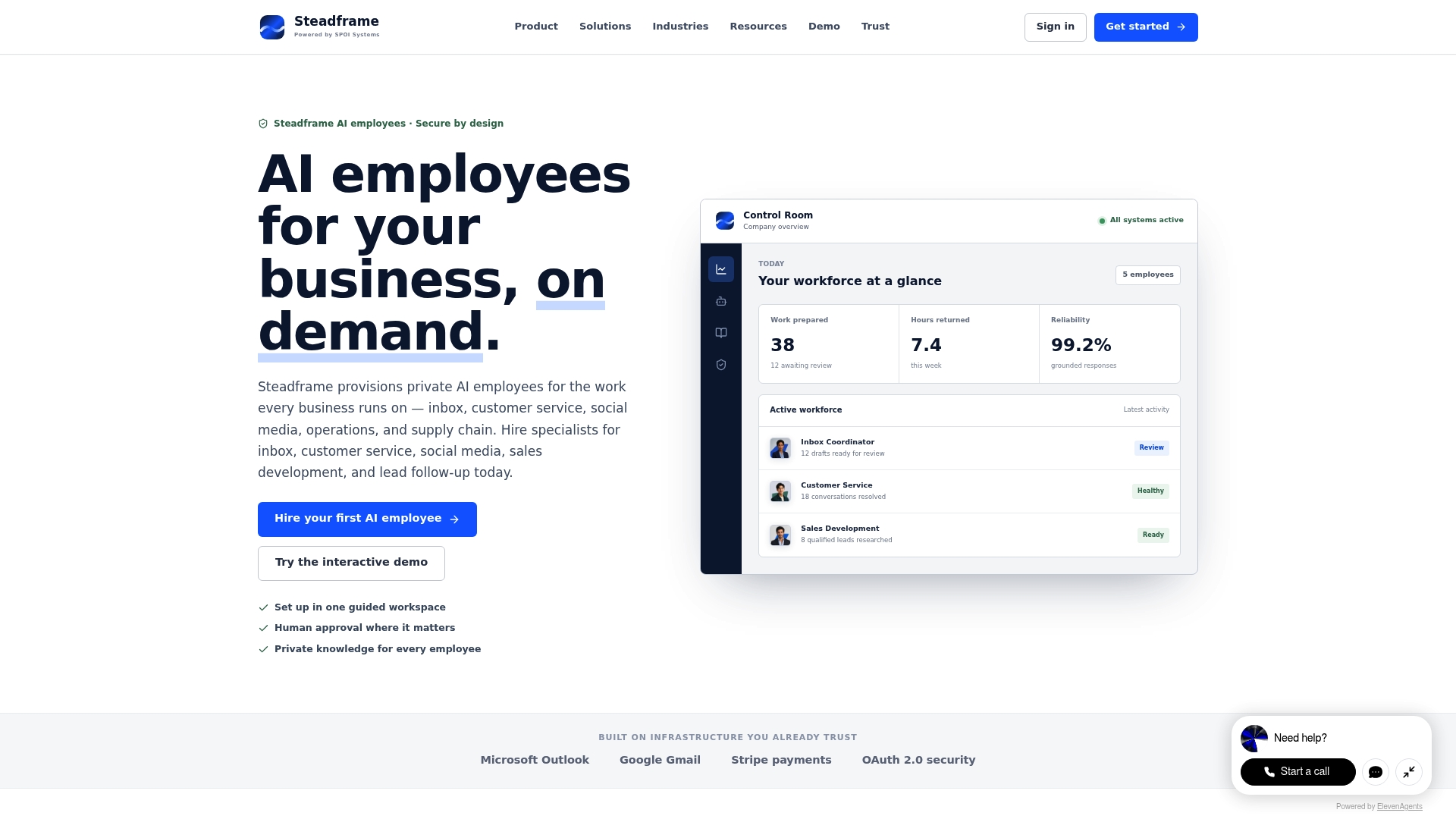
Explore Steadframe's AI employee solutions and put your inbox on autopilot without losing control of what goes out.